Dayparting 101
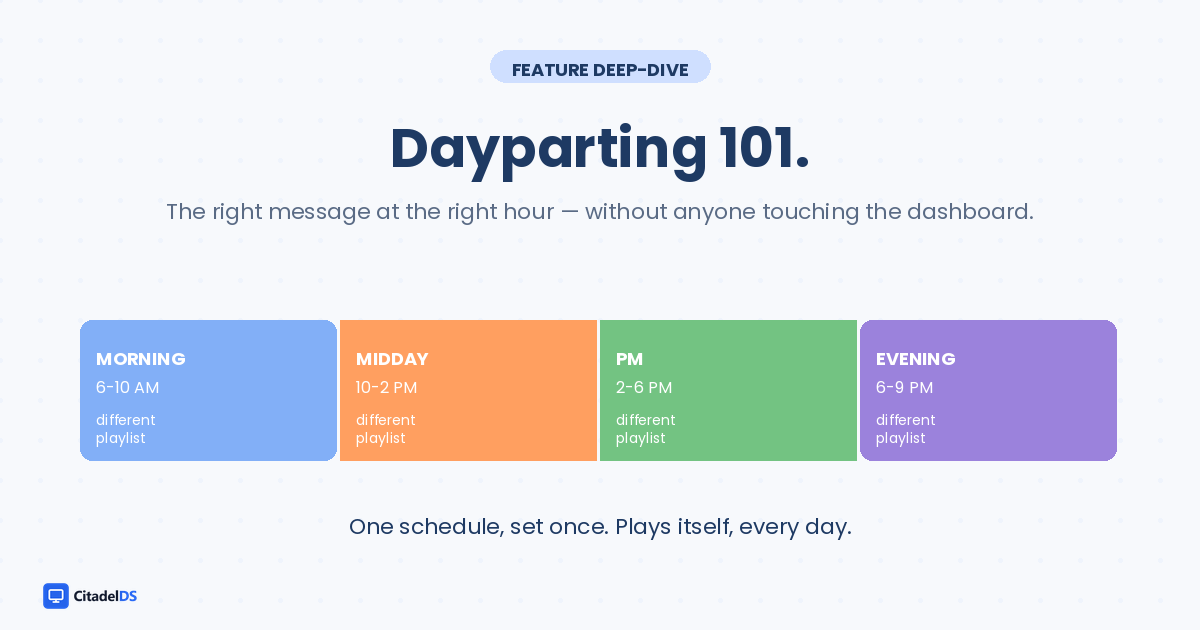
If you've ever advertised on radio or local TV, you already know dayparting. It's the practice of showing different content during different parts of the day — drive-time ads in the morning, family content in the afternoon, late-night ads at midnight.
Lobby signage works the same way. The patient at 7am is in a different mindset than the walk-in at 4pm. Most clinics show them the exact same loop anyway. That's left money on the table.
What dayparting actually changes
Here's what one playlist looks like across a healthcare lobby's day:
- 6-10am — MORNING: Check-in info, daily announcements, today's provider schedule
- 10am-2pm — MIDDAY: Featured promotion of the month, seasonal screenings
- 2-6pm — AFTERNOON: Patient education videos, condition info, prep videos
- 6-9pm — EVENING: Reviews, branding, "thank you for visiting" content
Same screen, four different playlists, automatically swapped. Nobody touches anything after the first setup.
Why "set it once" is the whole point
The vendor pitch for dayparting usually emphasizes the flexibility. The actual win is the automation.
The front desk doesn't have time to remember to swap the playlist at 10am. They won't. They'll set the morning loop on Monday and forget. By Friday afternoon the screen is still showing "good morning" content at 5pm.
Dayparting solves this by making the schedule the system's job. You define the rules once. The system follows them every day, forever, without prompting.
This matters more in some industries than others:
- Healthcare: Different patient populations show up at different hours (early mornings = older patients, evenings = working adults)
- Restaurants: Breakfast / lunch / dinner / late-night menus need different visual emphasis
- Retail: Morning is operational (open hours, returns), afternoon is promotional, evening is brand
- Office lobbies: Morning is welcome / wayfinding, afternoon is metric dashboards, evening is going-home messaging
If your lobby's content doesn't change across these windows, you're showing one mood to four different audiences.
The practical setup
In Citadel, dayparting takes about 2 minutes:
1. Build each daypart playlist (morning, midday, afternoon, evening). Copy a starter template, swap the content blocks you want.
2. Open the Schedule view. Drag each playlist to its time band on the day timeline.
3. Save. The system follows the schedule from then on.
The playlists themselves can be reused across screens. Two locations can run the same morning loop, and only the afternoon loop differs by site. That's where multi-location dayparting starts paying back the setup time.
Override windows: the part that matters in practice
The honest truth about dayparting: most days, the schedule runs untouched. But the days you need to override it are usually critical.
Examples:
- A weather closure: push a "We're closed today" banner to every screen
- An urgent staff message: replace the playlist with a single full-screen notice
- A surprise promo: cut into the next available slot with a takeover
Good signage software treats the override as a one-tap action. The schedule resumes the moment you cancel the override. No re-set required.
What this means for your team
If your lobby plays a single playlist for 12 hours a day, you have one of the easiest content wins available — and you can probably set it up in your lunch break.
The lift is qualitative more than quantitative. You won't see a dramatic conversion bump from dayparting alone. But the cumulative effect of the lobby always feeling current and on-time matters more than most operators give it credit for. Patients pick up on it the same way they pick up on a clean waiting room without consciously cataloging why.
Set it once. Let it run.
Want to set up dayparting on your screens? Citadel includes scheduling in every plan. Free for 14 days at citadeldigitalsignage.com (https://citadeldigitalsignage.com).
Ready to bring your screens to life?
Join thousands of businesses already using Citadel to engage customers, inform employees, and grow revenue — one screen at a time.